F1 live timing, free in your browser
Practice, qualifying, sprint and race · no install, no account
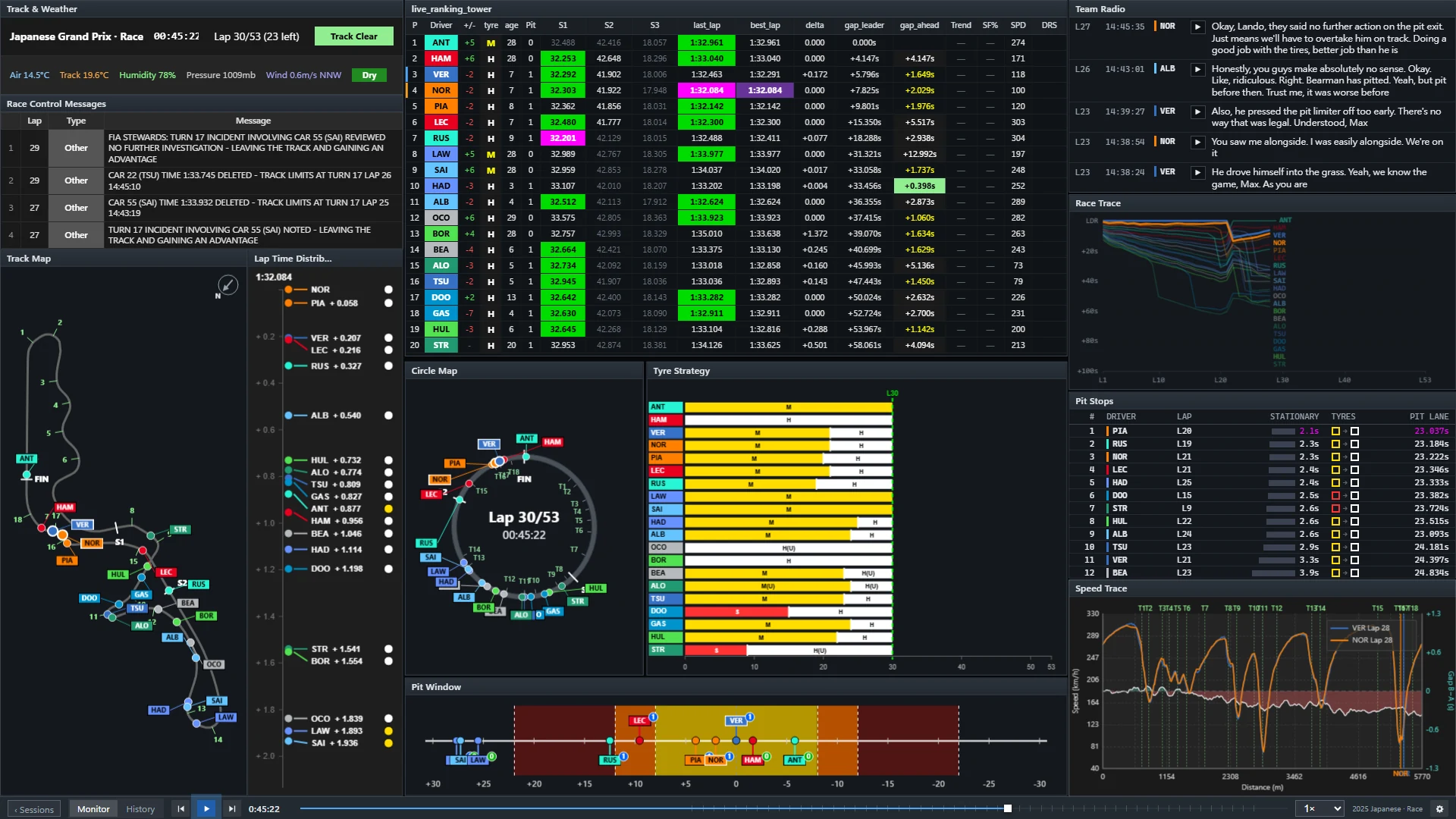
PITWALL turns the official F1 live timing feed into a pit wall you arrange yourself: the full ranking tower, sector times, gaps, tyres, pit stops, race control messages and team radio, each in its own window, all on one clock. Open it next to the broadcast and see what the broadcast does not have time to show.
What you get without logging in
- Ranking tower for all 20 cars: position changes, three sector times with the session-best colours, last and best lap, gap to the leader and to the car ahead.
- Tyre strategy: compound and age of every stint, and who has pitted.
- Pit stops and the pit window: stationary and pit-lane time per stop, and where a stop would drop each driver.
- Race control and weather: flags, safety car, track limits and the weather, as they are published.
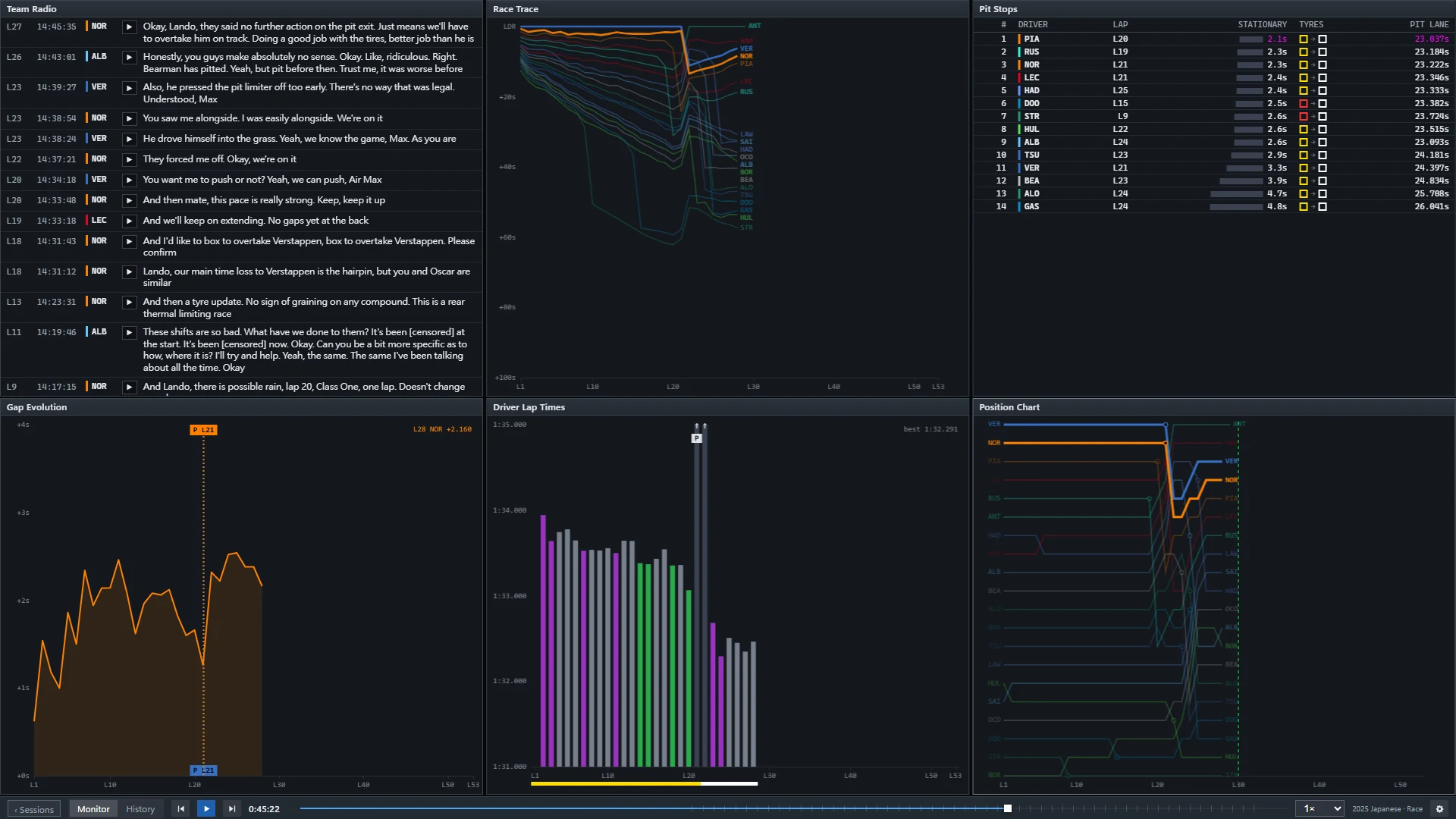
- Team radio clips, playable in place.
- Gap and position charts that grow lap by lap, and a circle map that places every car around the lap from the timing data.
What connecting F1 TV adds
The live track map with every car's position, the speed trace, throttle and brake, traffic and pedal windows need the car data that F1 only sends to signed-in F1 TV subscribers. If you have a subscription, connect it with a bookmark: the access token stays in your own browser and is never sent to PITWALL's servers. How to connect F1 TV. Without it those windows simply show a dash and everything else keeps working.
Built for race day
- A delay that matches your TV. The wall runs 10 seconds behind the feed by default so it lines up with most broadcasts; change it from 0 to 120 seconds.
- Look back, then catch up. Pause or drag back to review an incident; Go live or a faster speed brings you back to the live point.
- Connection trouble is shown, not hidden. A dropped connection reconnects by itself and leaves a marked gap on the timeline.
- Your layout, your screens. Drag, resize and snap windows, or pop one out to a second monitor.
After the session: replay it
Every session you watched live can be replayed afterwards by the official timestamps, from 0.5× to 128×, with the same windows. The replay library starts with the 2025 and 2026 Japanese Grand Prix and grows as races are processed. Open the 2025 Japanese GP replay.
Questions
Is PITWALL official, and does it show the video?
No. PITWALL is an unofficial project and is not associated with the Formula 1 companies. It shows data only, never video; watch the race on your usual broadcast and use PITWALL next to it.
Do I need an account or an F1 TV subscription?
No account is needed to open the wall and follow timing, tyres, pit stops, race control and radio. An F1 TV subscription is only needed for the live track map and the car telemetry windows.
How far behind the real race is it?
The data arrives within a few seconds; the wall adds a 10 second delay by default so it matches the TV picture, and you can set it from 0 to 120 seconds.
Which sessions are covered?
Every session that has live timing: practice, qualifying, sprint and race. During a session the PITWALL home page shows a LIVE banner; before it, a countdown.
Does it cost anything?
No. PITWALL is free to use.